Can I create several PDFs at once?
Yes. Use Custom groups or Fixed-size files.

Workspace
Drop or choose a PDF
Up to 50 MB and 300 pages
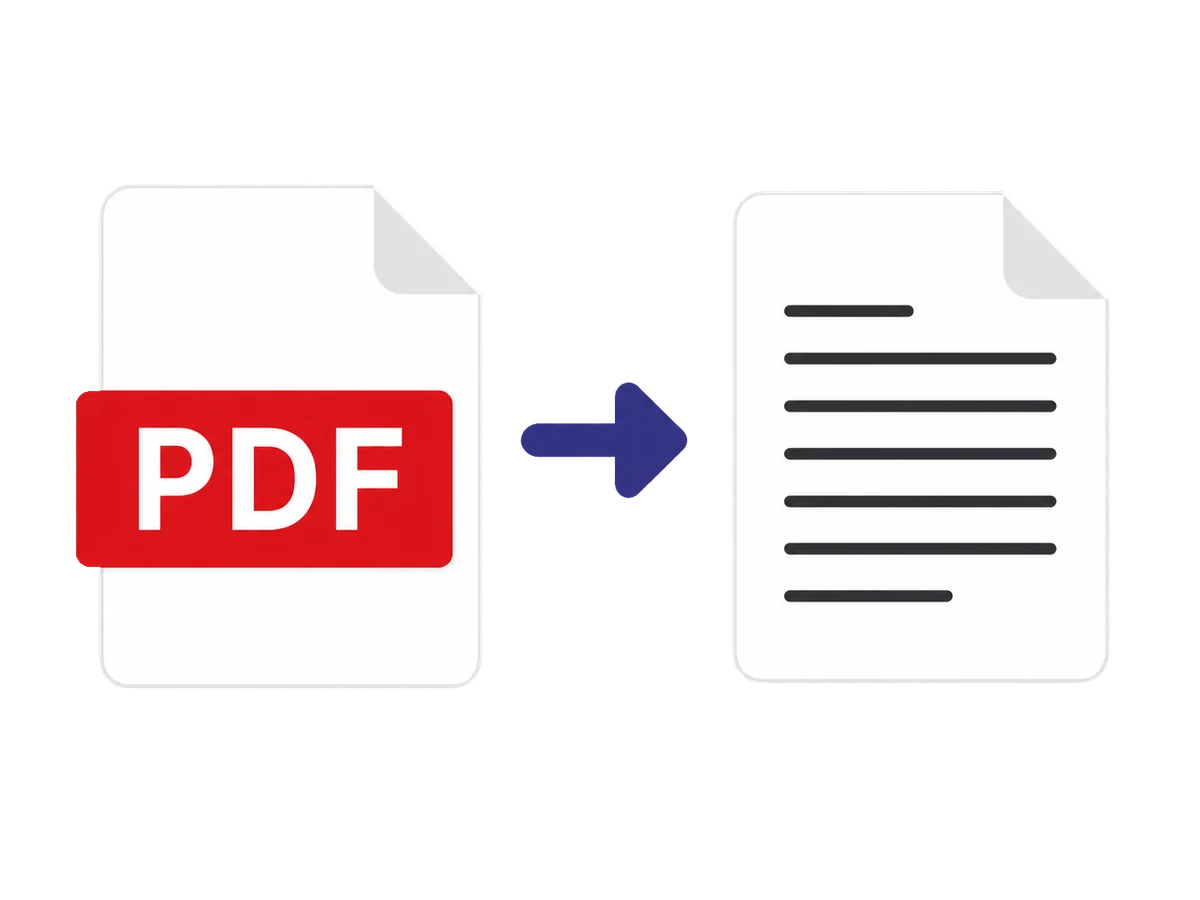
Create a new PDF from a page range, split a document into fixed-size files, or define several custom groups. Review each group before downloading so every page is included in the intended output.
Yes. Use Custom groups or Fixed-size files.
Yes. In Extract pages, enter the pages in the order you want.
Keep working