Is the target file size exact?
No. The final size varies with the video content and audio.

Workspace
Drop or choose a video
MP4, WebM, MOV or M4V · up to 300 MB
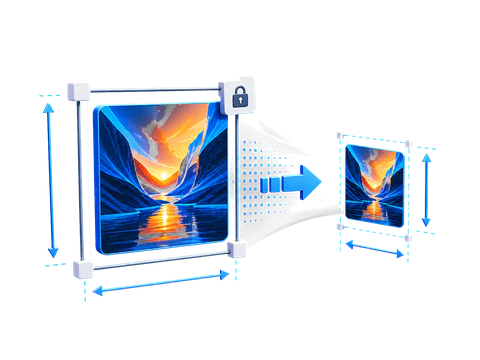
Reduce video size with a preset or custom resolution, quality, frame-rate, and audio settings. Compare the estimate and finished result, then adjust quality if the file is still too large or looks too soft.
No. The final size varies with the video content and audio.
Usually. Higher quality settings preserve more detail but create larger files.
Keep working