Can I change several pages together?
Yes. Select any page cards, then move them to the start or end, rotate, duplicate, or delete the whole selection. Select all and invert selection are also available.

Visually reorder, select, rotate, duplicate, and delete PDF pages.
Workspace
Drop a PDF here or choose a file
Up to 50 MB and 300 pages · processed
Yes. Select any page cards, then move them to the start or end, rotate, duplicate, or delete the whole selection. Select all and invert selection are also available.
Yes. Up to 20 organization changes are retained during the current session. Undo restores the latest change, while Reset all restores the original page order and removes rotations and duplicates.
Page size, orientation, and visible content are preserved. You can also retain title, author, and subject metadata. Document-level bookmarks, attachments, and interactive form behavior may not carry over.
Keep working
 Documents & PDF
Open, write, format, recover, print, and download DOCX documents privately in your browser.
 Documents & PDF
Create ZIP archives from files or folders, inspect their contents, and extract selected files.
 Documents & PDF
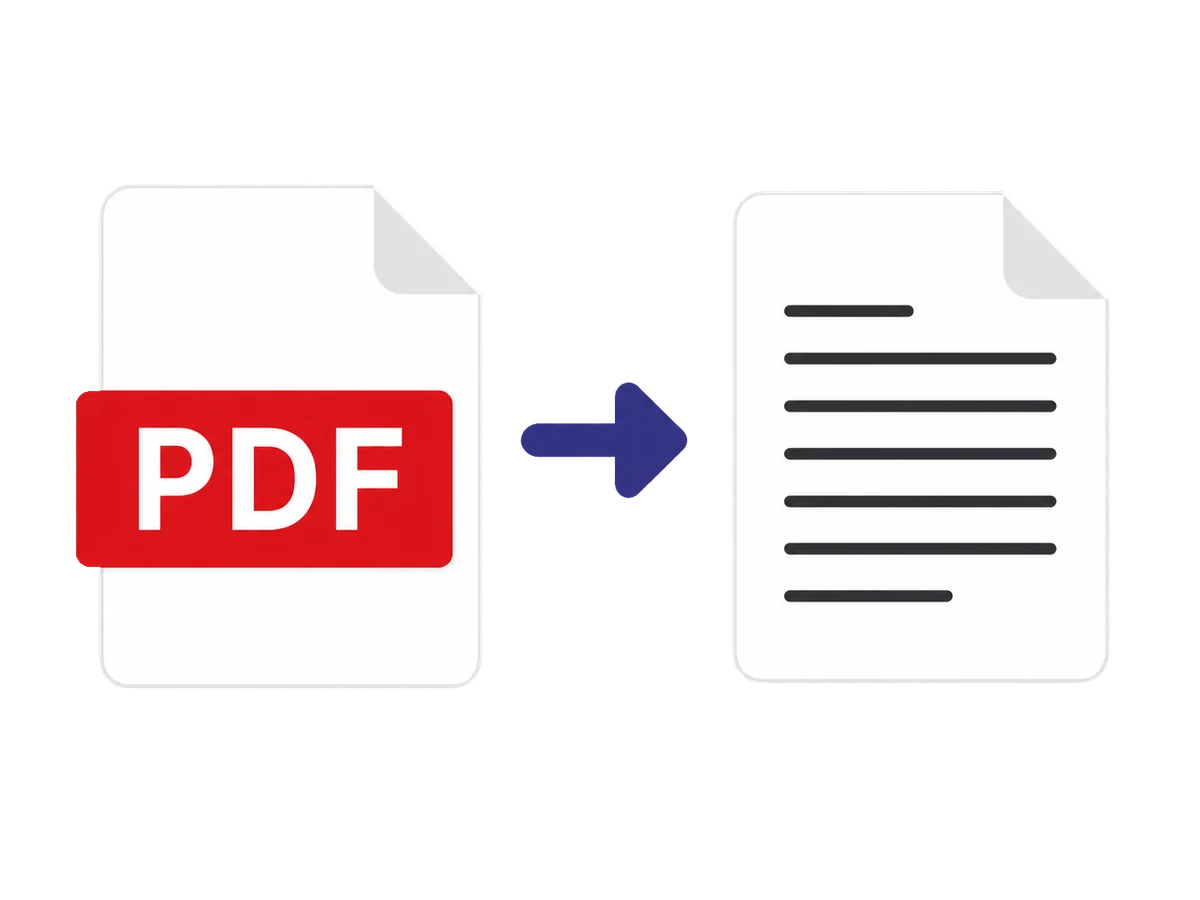
Extract selected PDF pages with reading-order controls, cleanup, page diagnostics, and structured exports.