Can I create several PDFs at once?
Yes. Custom groups create one PDF per line or semicolon-separated group. Fixed-size mode divides the full document into files of the chosen size. Both modes download a ZIP archive.

Extract pages or divide a PDF into custom groups and fixed-size files.
Workspace
Source and split rules
Drop a PDF here or choose a file
Up to 50 MB and 300 pages · processed only in your browser
Yes. Custom groups create one PDF per line or semicolon-separated group. Fixed-size mode divides the full document into files of the chosen size. Both modes download a ZIP archive.
Yes. In Extract pages mode, enter pages and ranges in the order you want them copied, such as 8, 1-3, 5.
The visible pages, sizes, and orientations are copied. Document-level bookmarks and attachments may not carry over, and interactive form behavior can vary.
Keep working
 Documents & PDF
Open, write, format, recover, print, and download DOCX documents privately in your browser.
 Documents & PDF
Create ZIP archives from files or folders, inspect their contents, and extract selected files.
 Documents & PDF
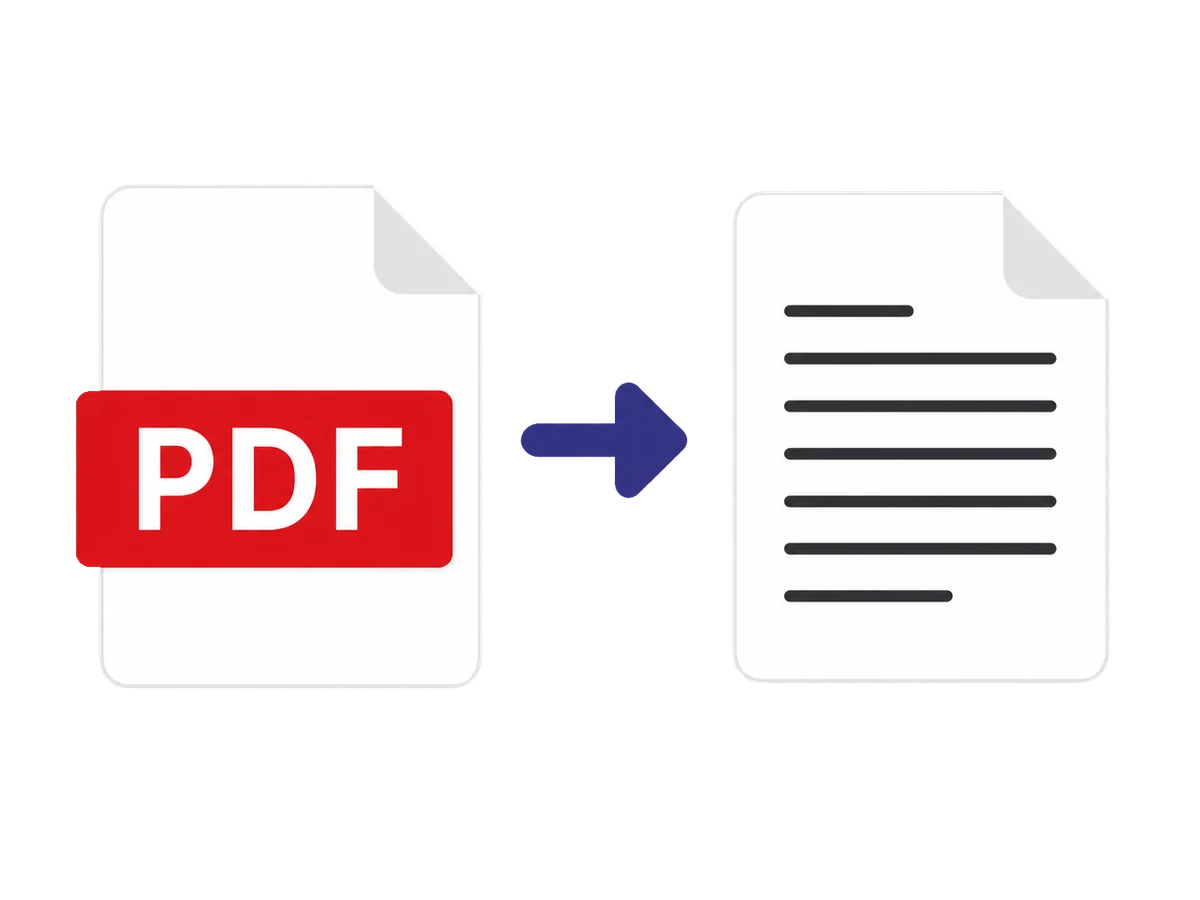
Extract selected PDF pages with reading-order controls, cleanup, page diagnostics, and structured exports.