Which formats keep transparency?
PNG and WebP can preserve transparent pixels. JPEG cannot, so you can choose a replacement background color.

Convert PNG, JPEG, WebP, HEIC, or HEIF images into PNG, JPEG, or WebP with live estimates.
Workspace
Source queue
Select any queued image to preview the current output settings.
Drop images here or choose files
Up to 20 PNG, JPEG, WebP, HEIC, or HEIF files · 30 MB each · 100 MB total
Live selected preview
Your selected conversion preview will appear here.
PNG and WebP can preserve transparent pixels. JPEG cannot, so you can choose a replacement background color.
You can queue up to 20 images and 100 MB in total. One image downloads directly; multiple images are converted with the same settings and packaged in an ordered ZIP.
Usually not. Browser canvas export generally removes EXIF metadata and may convert or omit embedded colour profiles. Keep the original files when that information matters.
No. Browser WebP encoders interpret the quality value, but 100% does not guarantee a lossless WebP bitstream in every browser.
Keep working
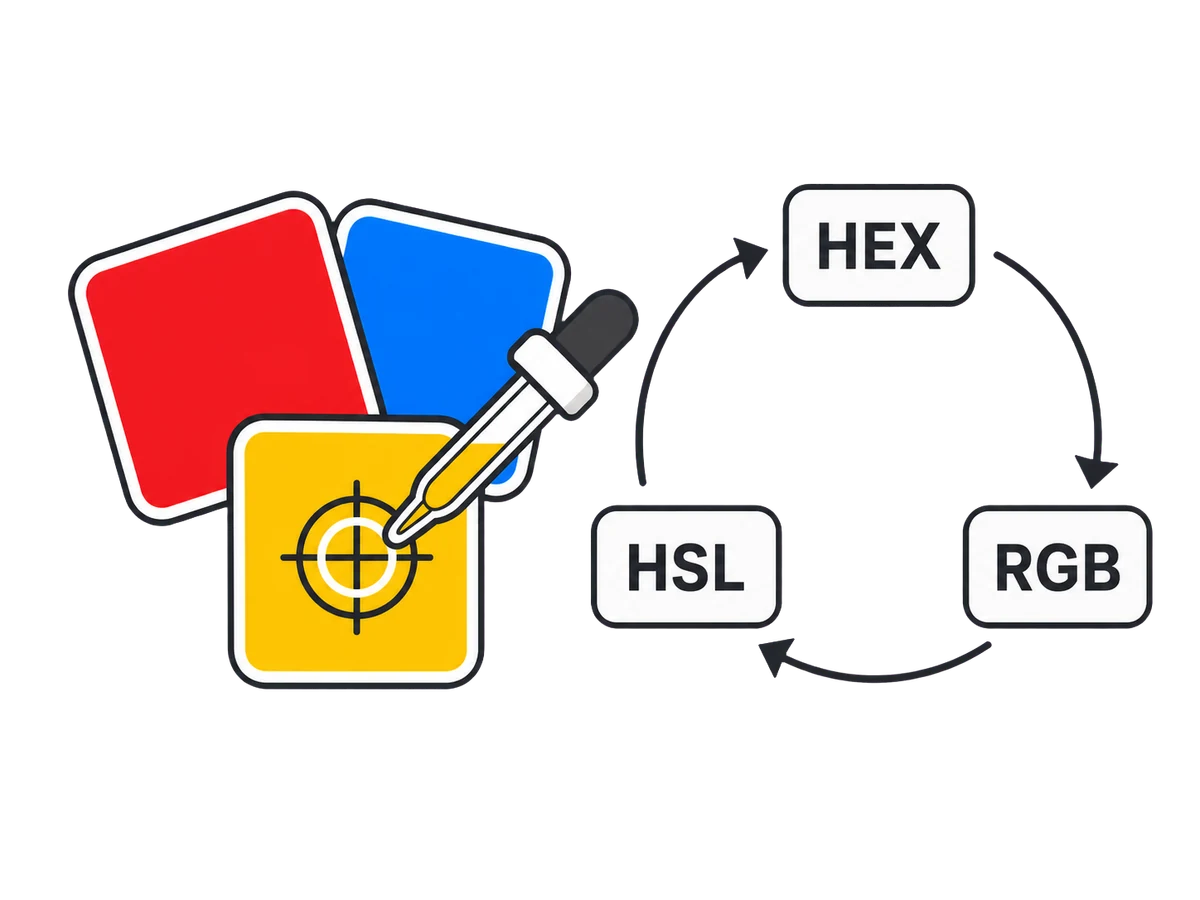 Images & Video
Pick opaque or transparent colours, repair contrast, and export tints or hue harmonies.
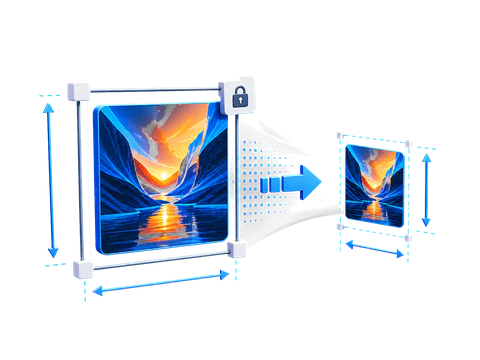 Images & Video
Resize, fit, crop, or pad images with exact dimensions, scale shortcuts, and safe output limits.
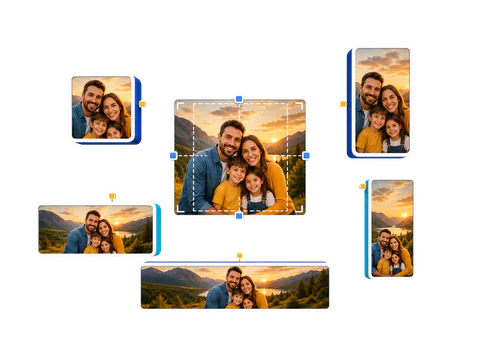 Images & Video
Preview, crop, and batch-export profiles, posts, thumbnails, stories, and banners.