Why should I lock the aspect ratio?
Locking preserves the original proportions so the image does not appear stretched or squashed.

Resize, fit, crop, or pad images with exact dimensions, scale shortcuts, and safe output limits.
Workspace
Source image
Changes render immediately. The checkerboard represents transparency.
Drop an image here or choose a file
PNG, JPEG, WebP, HEIC, or HEIF · up to 30 MB, 8192 px per side, and 40 megapixels
Your resized preview will appear here.
Locking preserves the original proportions so the image does not appear stretched or squashed.
Fit shows the whole image and may leave empty space. Fill and crop covers the complete output and trims overflow around your chosen focus. Stretch forces the image into the exact shape and can distort it.
JPEG cannot store transparency, so transparent pixels and empty fitted space use your selected background colour. PNG and WebP can keep empty space transparent.
The system limits images to 8,192 pixels per side and 40 megapixels to reduce browser memory failures. Large source files can still require substantial memory while decoding.
Keep working
 Images & Video
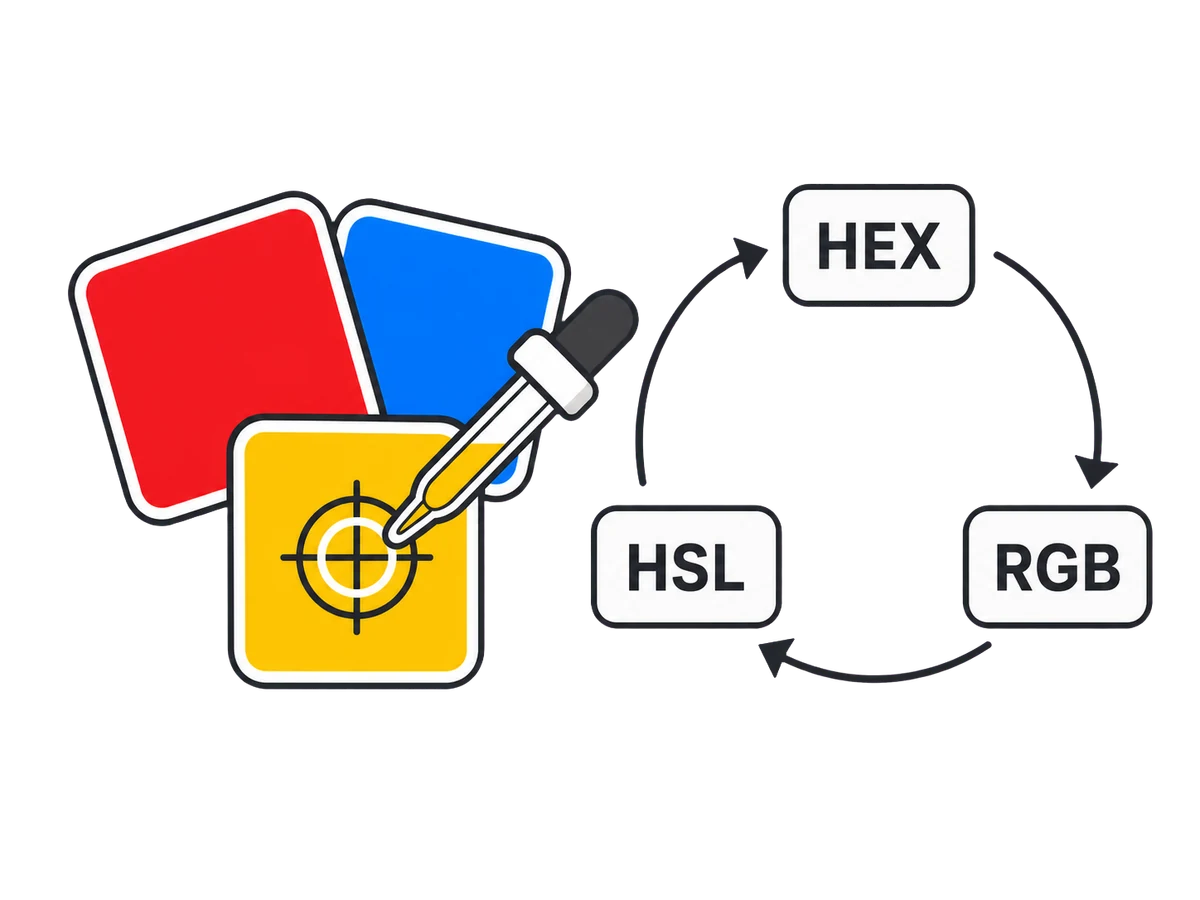
Pick opaque or transparent colours, repair contrast, and export tints or hue harmonies.
 Images & Video
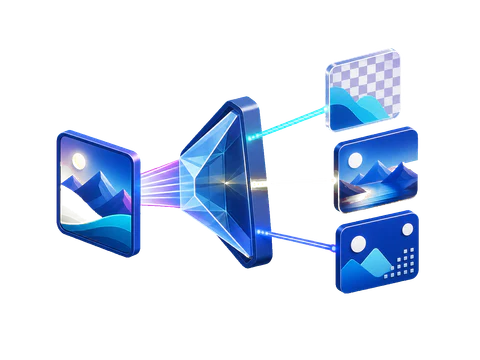
Convert PNG, JPEG, WebP, HEIC, or HEIF images into PNG, JPEG, or WebP with live estimates.
 Images & Video
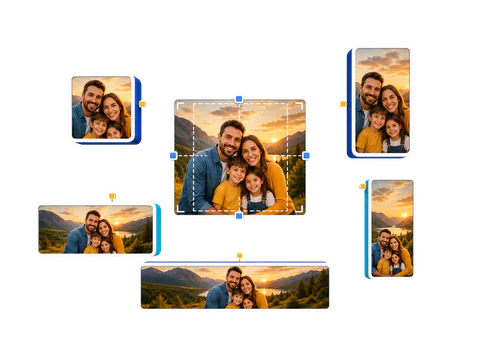
Preview, crop, and batch-export profiles, posts, thumbnails, stories, and banners.